Features
Three portals for the same commercial job.
Your office, your techs in the field, and your customers each get a simple view of the work. The work order stays connected through all of it, so nothing gets lost.
Admin portal
Run the whole office from one screen.
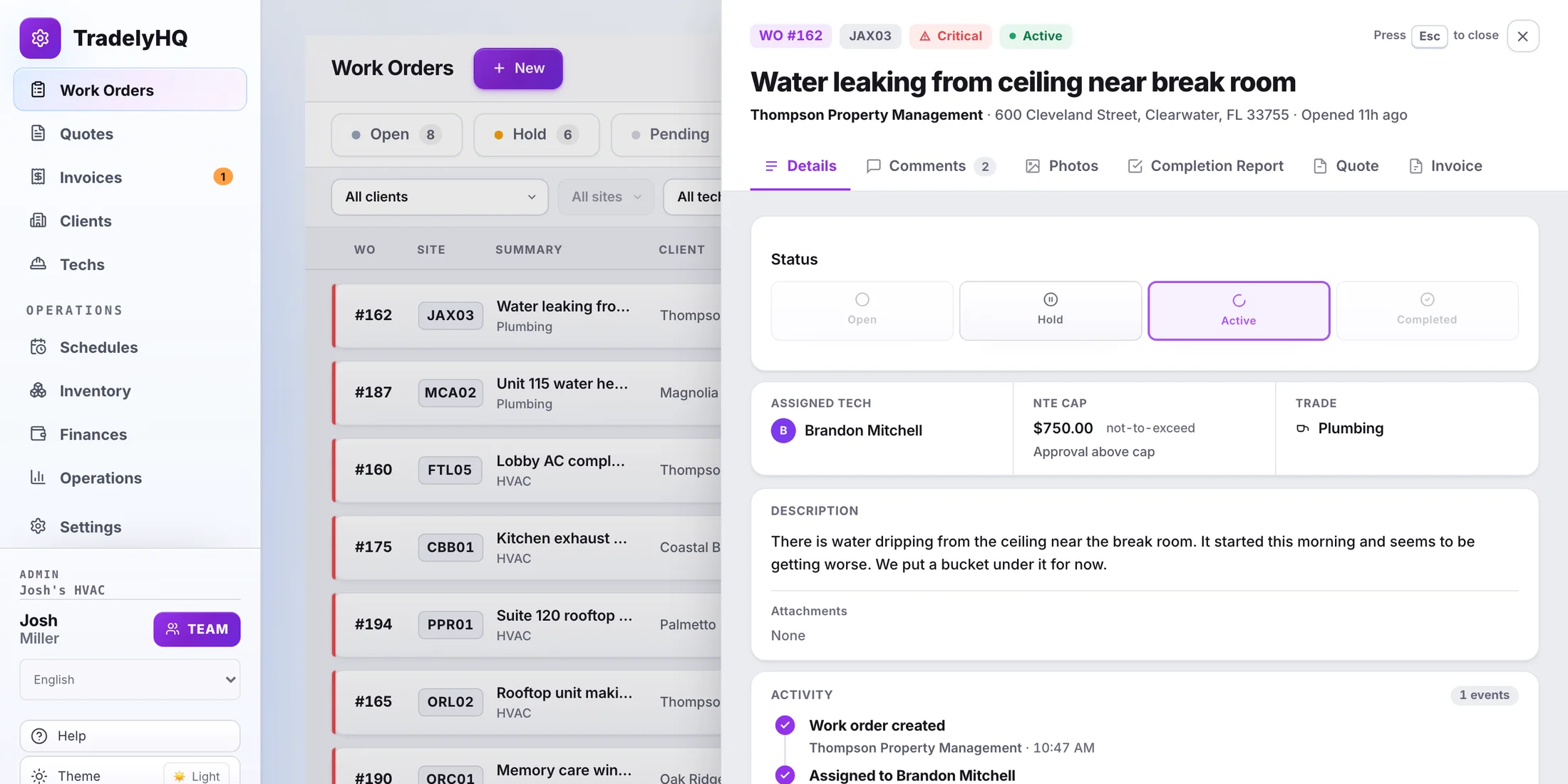
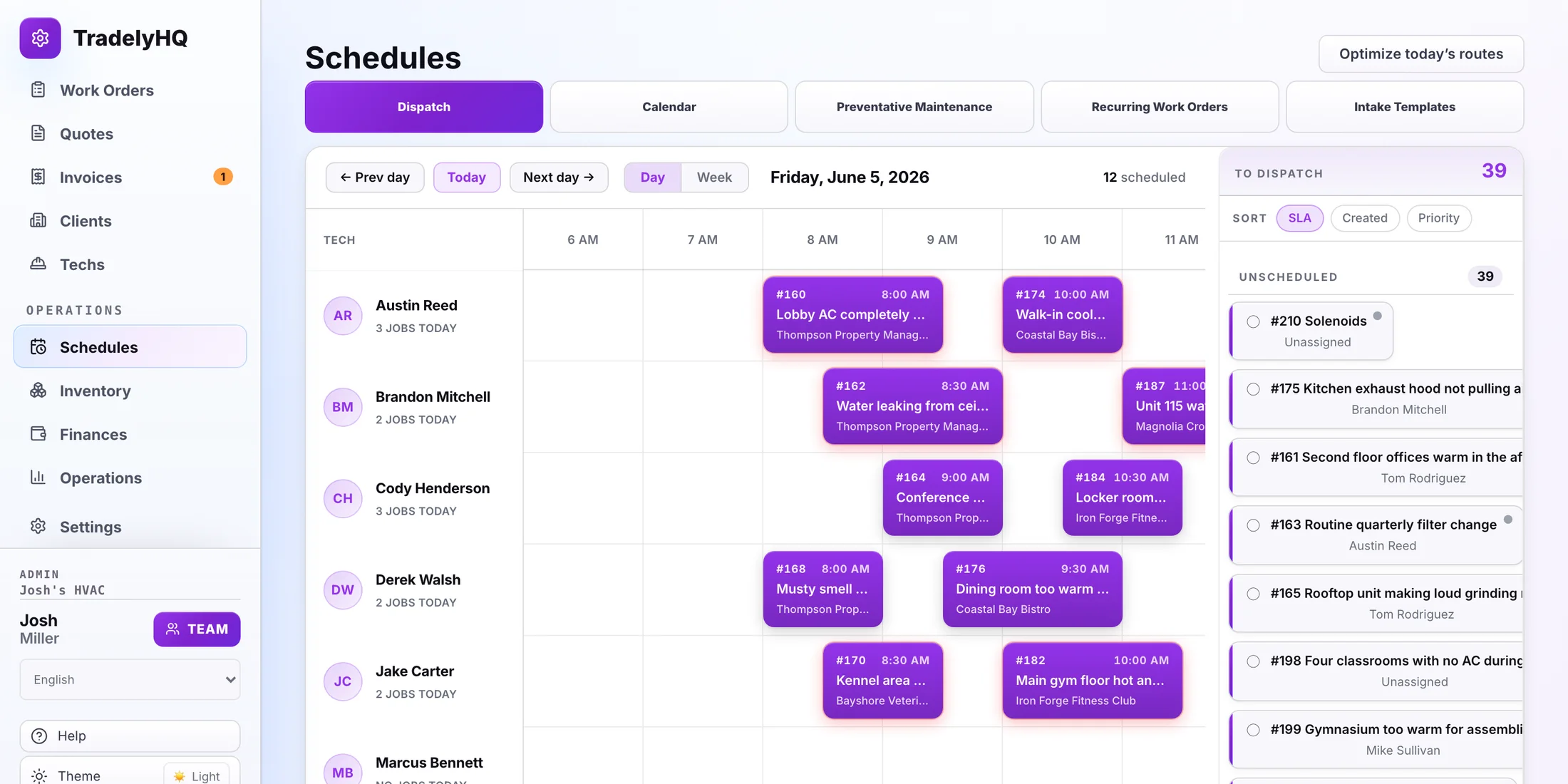
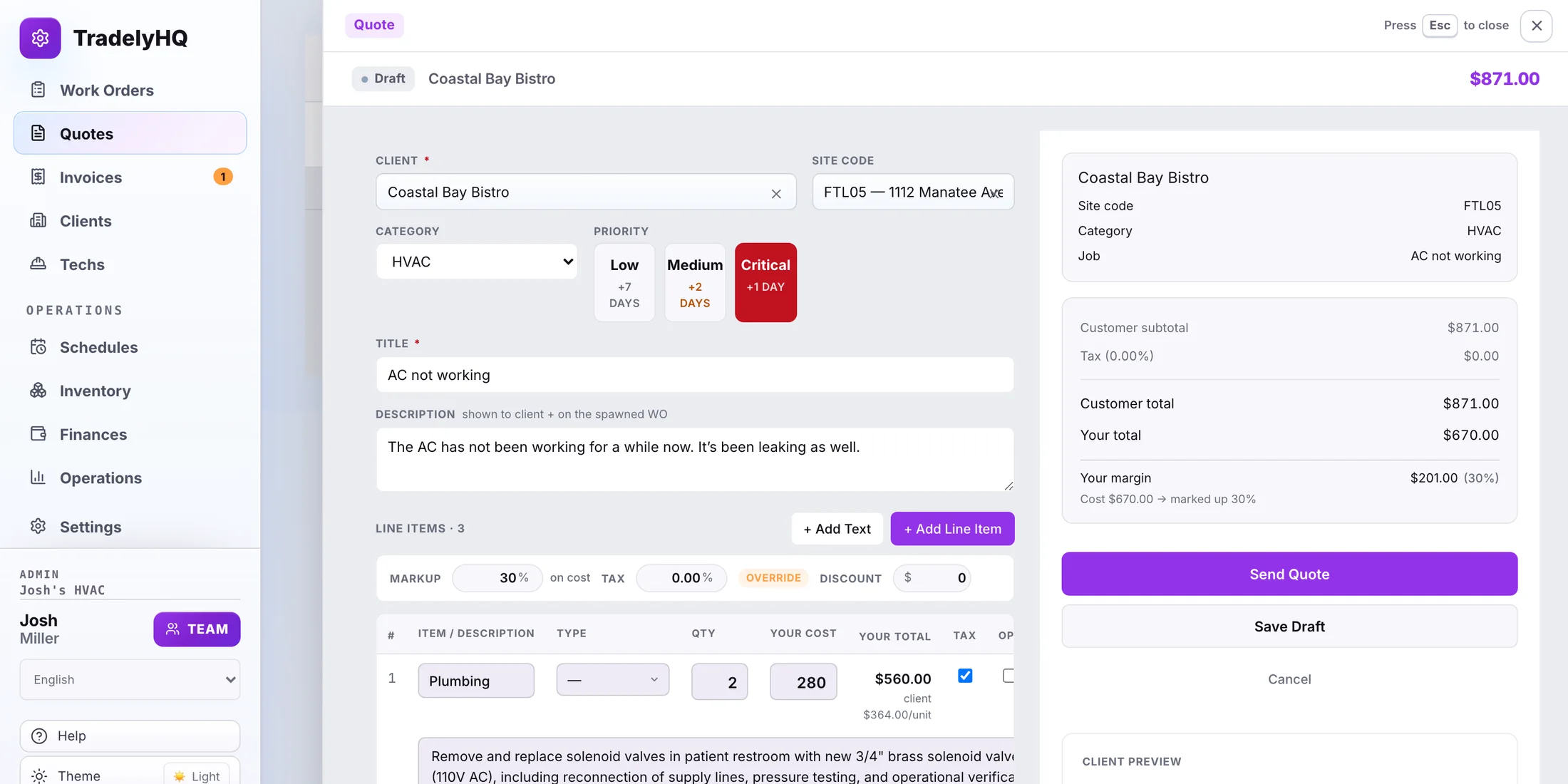
The office sees every job in one place: who it is for, what is needed, who is on it, and what is left to bill. The built-in AI dispatcher can route the routine jobs and draft the quote, and finished jobs bill out through the QuickBooks sync.
- See every work order by priority, site, status, and tech
- Open a job to update details, notes, and the client conversation
- Build a quote, send it, then invoice when the job is done
- Plan the day for each tech and keep the dispatch queue clear
- Send clients invoices via email and attach your Stripe payment link to collect payment
Tech portal
Give your techs a simple app in the field.
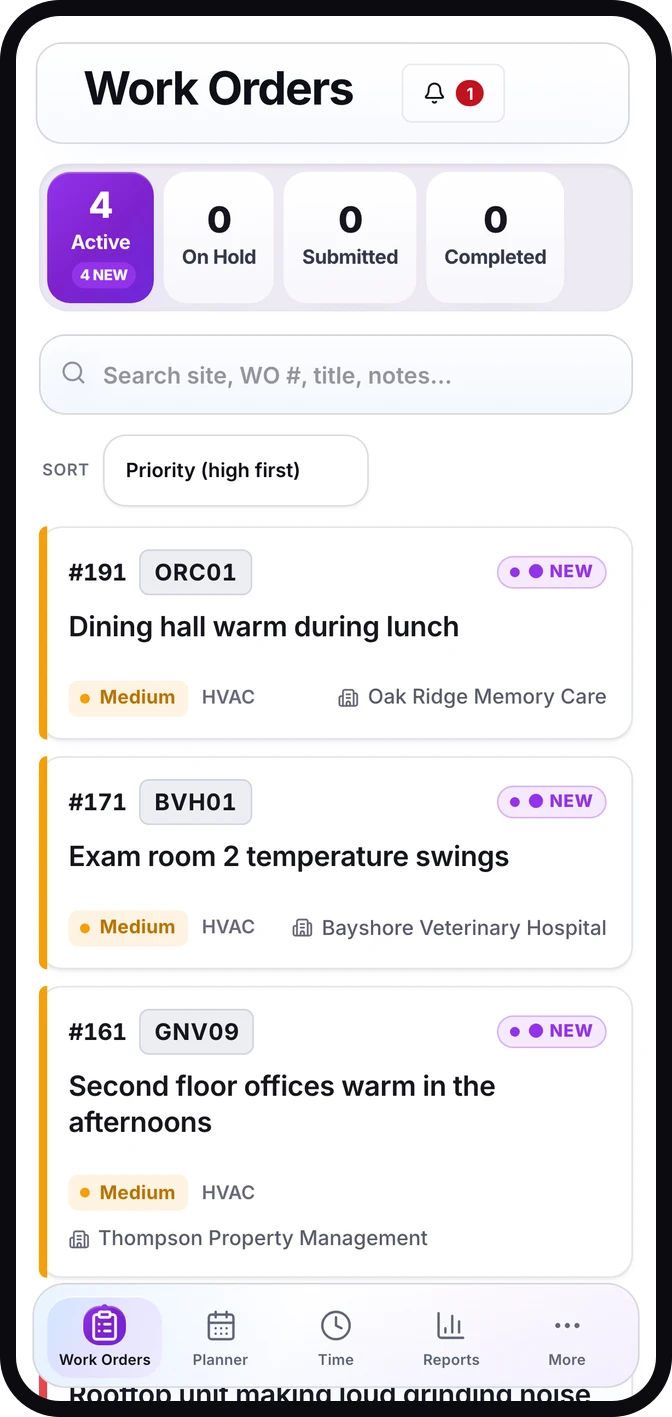
Each tech gets their own login and sees only the jobs assigned to them, with everything they need to do the work and close it out.
- Techs see their assigned jobs, site, and priority on their phone
- Add photos, notes, arrival times, and the customer signature on site
- You control who is invited, active, and available to assign
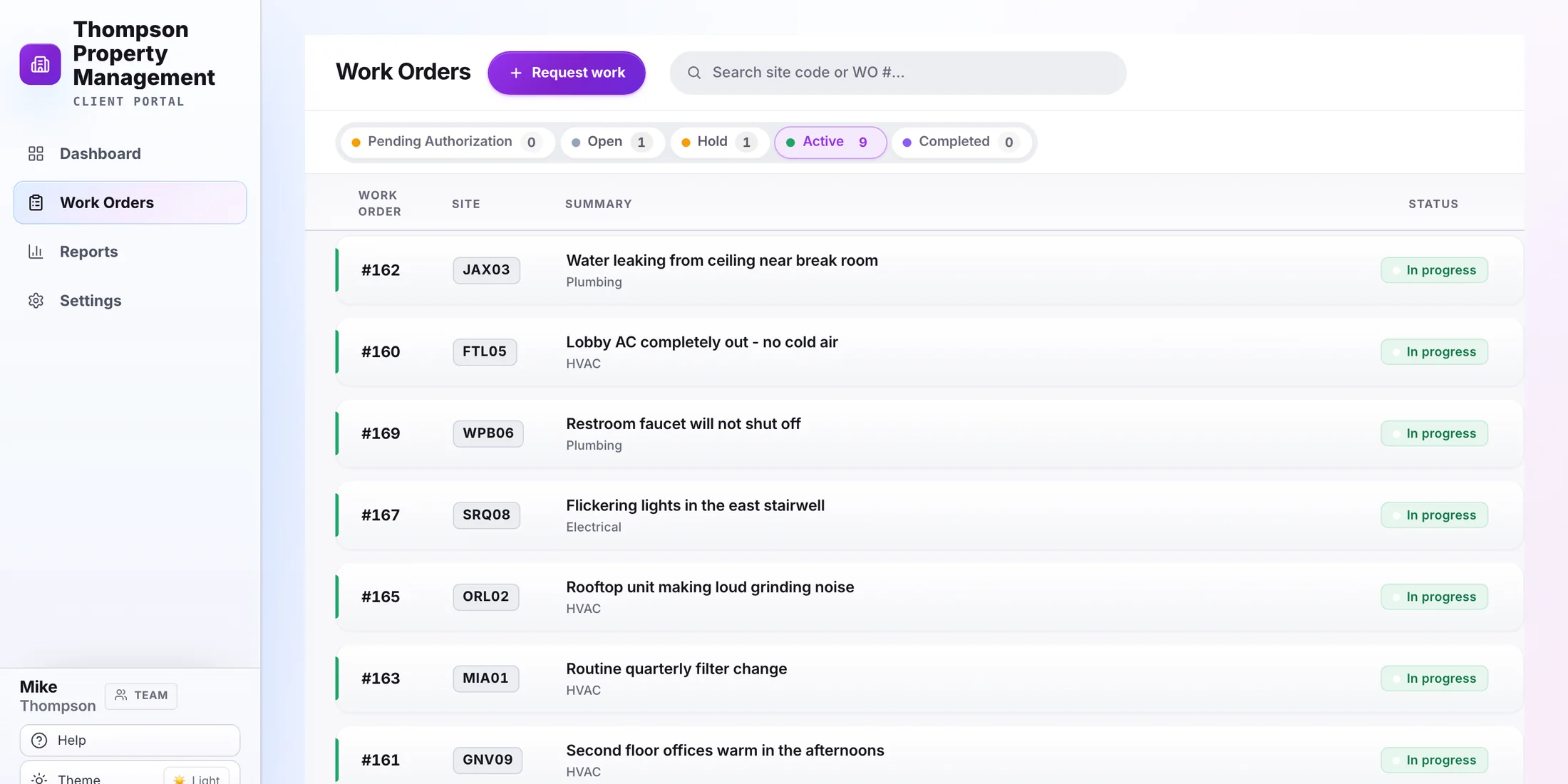
Client portal
Give customers the answers they usually call for.
Your customers get their own free, no-card view of their jobs, quotes, and approvals, so they stop calling the office for a status. Client companies can optionally add Equipment & Maintenance for USD $49/month per company without changing contractor pricing or free Client Portal access.
- Customers request work and watch the status of their jobs
- Send clean quotes they can review and approve
- Keep customer messages separate from your internal tech notes
- Optional Equipment & Maintenance: unlimited Site Codes, assets, and Client Portal users
- Track source-labeled service history, maintenance attention, and linked Work Order requests
See it on one real job.
Contractors can start a 30-day trial with no card. Client Portal base access is free; the optional Equipment & Maintenance company package is separate from contractor plans.
The same three portals work forcommercial HVAC,commercial plumbing,commercial electrical,facility maintenance, andjanitorial shops.See pricing.